
Dual Encoders
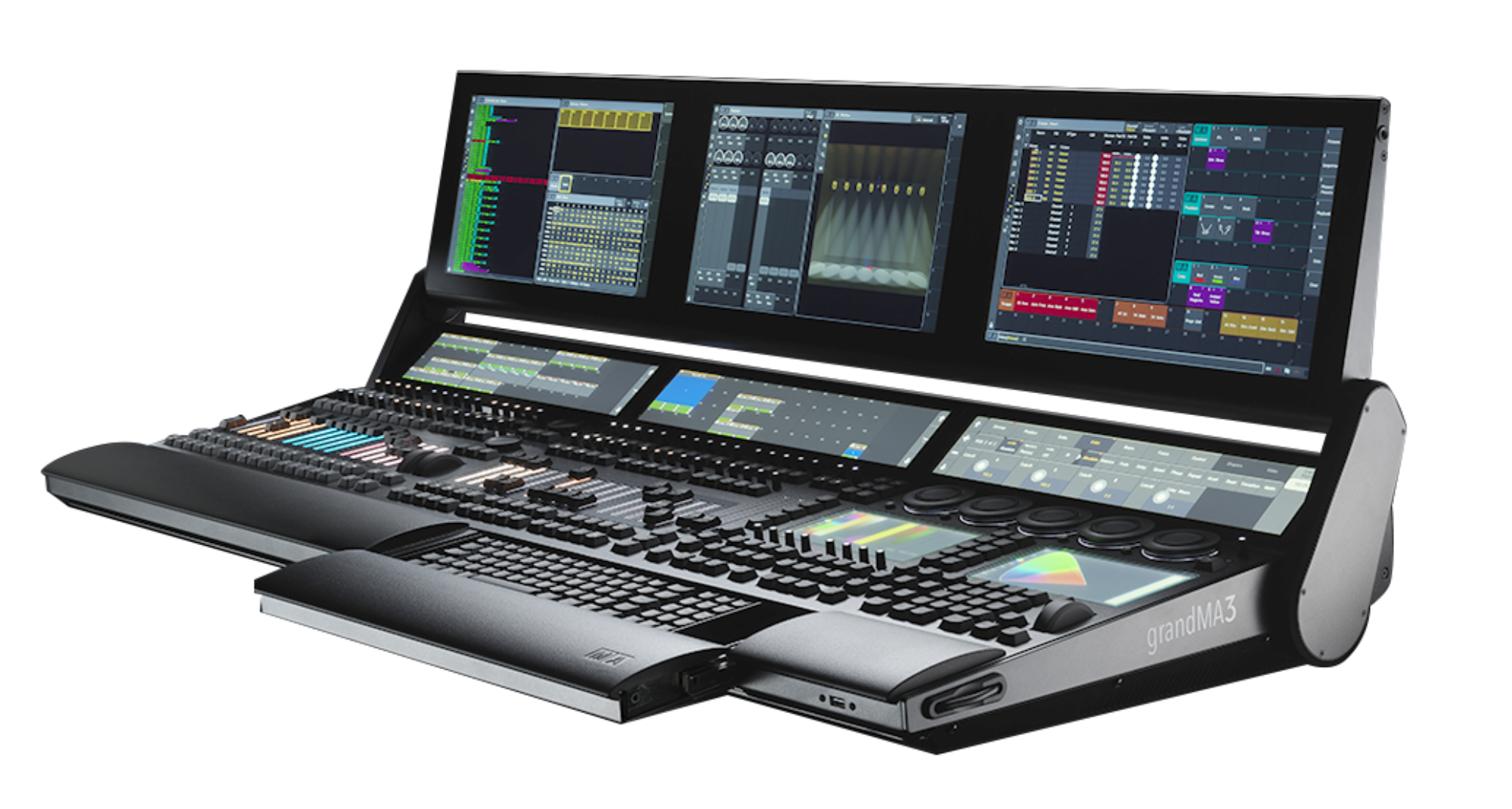
The grandMA3 have 5 dual encoders on each console.
The encoders are back lit on the Full-size and the Light.
The inside encoder is like the one we know. It can turn with a tactile click and it can pressed to edit something.
The outer encoder can be turned with the same tactile click, but it can’t be pressed. So instead there is a small round button in the lower left corner of each dual encoder.
We are told that there will be “Encoder Pages” where each user can freely define what attribute the encoders control. So I can have Zoom and Iris control on one dual encoder. Or always have pan and tilt on the left encoder. And any one I work with can have their own personal preference.
Single Encoders
There are two single encoders on the Full-size and on the Extension Wing. Each of the two encoders have three buttons underneath.
The encoders and the buttons can have any function we want. Nothing is fixed!
Screen Encoder
The screen encoders are gone. Now the screens can be scrolled by gesture control. Two fingers on the screen and just swipe. Easy!
If you really miss the screen encoder, then maybe one of the dual encoders can be assigned that function as well.
One Reply to “Encoders”